Overlay authoring checklist
Use this checklist for the overlay paint stack only. Decals use a separate frame switch — decal checklist.
1) Canvas + export format
- Author overlays in the reference frame: 256×384 PNG (pointy-top, transparent background).
- Export as PNG with transparency (no JPG for overlays).
- Keep the final asset under 20MB.
2) Composition and guides
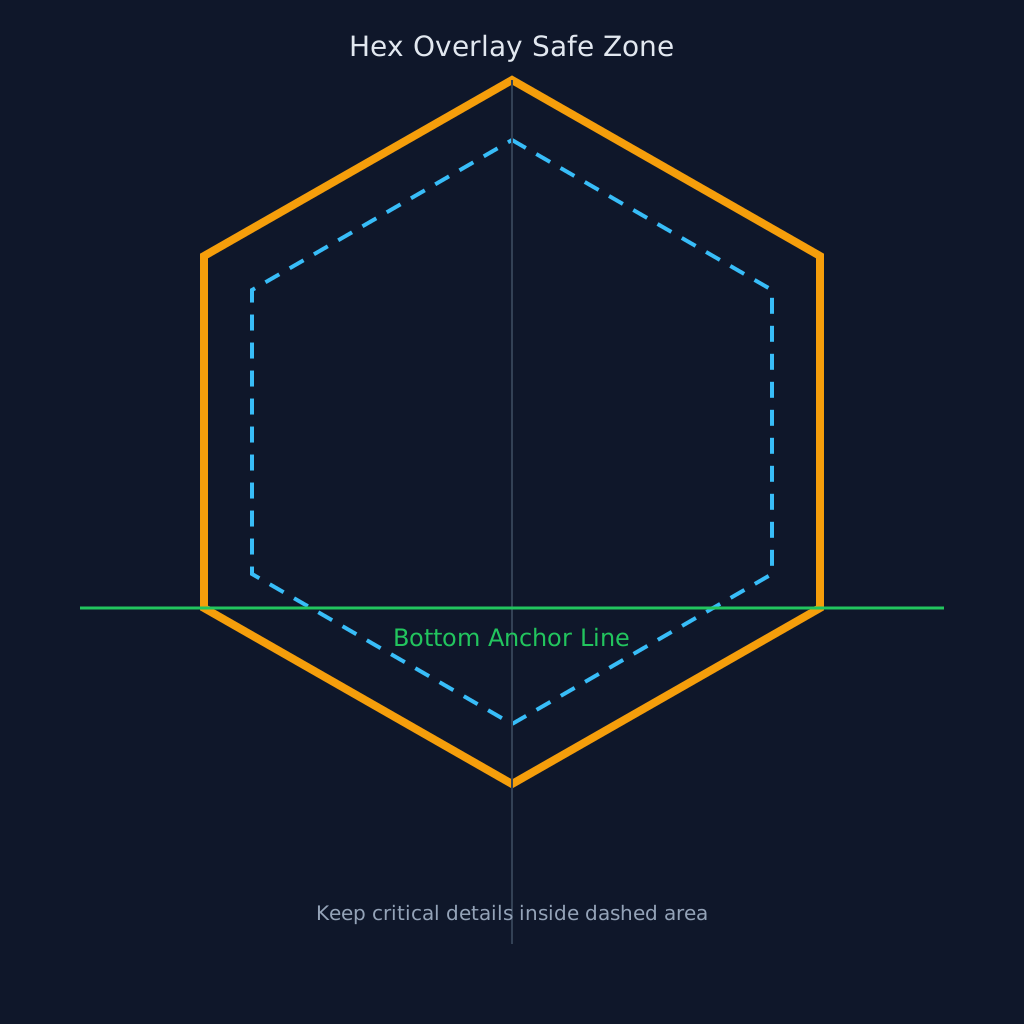
- Use the Creator Studio overlay preview guide as the source of truth for the hex footprint.
- Keep critical detail inside the guide area; allow transparent headroom for vertical motifs.
- Do not pre-crop to a hard hex mask; upload full-frame art with transparent margins.
- Keep the visual centerline near canvas center X for predictable anchor behavior.
3) Import-to-map pipeline (what the tools do)
- Your file — 256×384 PNG.
- Creator Studio import — normalized to the same 256×384 reference frame (contain/crop by aspect).
- Live editor render — rasterized into a 512×512 bleedFull atlas at draw time.
- Server storage — scaled to long edge 1024 (~683×1024 for 2:3 overlays).
Creator uploads (`studioDraft:` / `packPreview:`) use the pixel-perfect reference mapping path.
4) Anchor expectation
- Bottom-most opaque pixels are treated as the anchor reference on tile placement.
- If art appears to float, add transparent top margin; if too low, reduce bottom-heavy framing.
- Validate on multiple terrains before uploading to a pack item.
5) Quick QA before submission
- Test on grass, desert, and water-adjacent tiles at 2 zoom levels.
- Confirm no matte fringe (white/black edge halo) against dark and light terrain.
- Confirm orientation matches source art (no upside-down or mirrored presentation).
- Confirm overlay still reads clearly when layered over a custom terrain base texture.
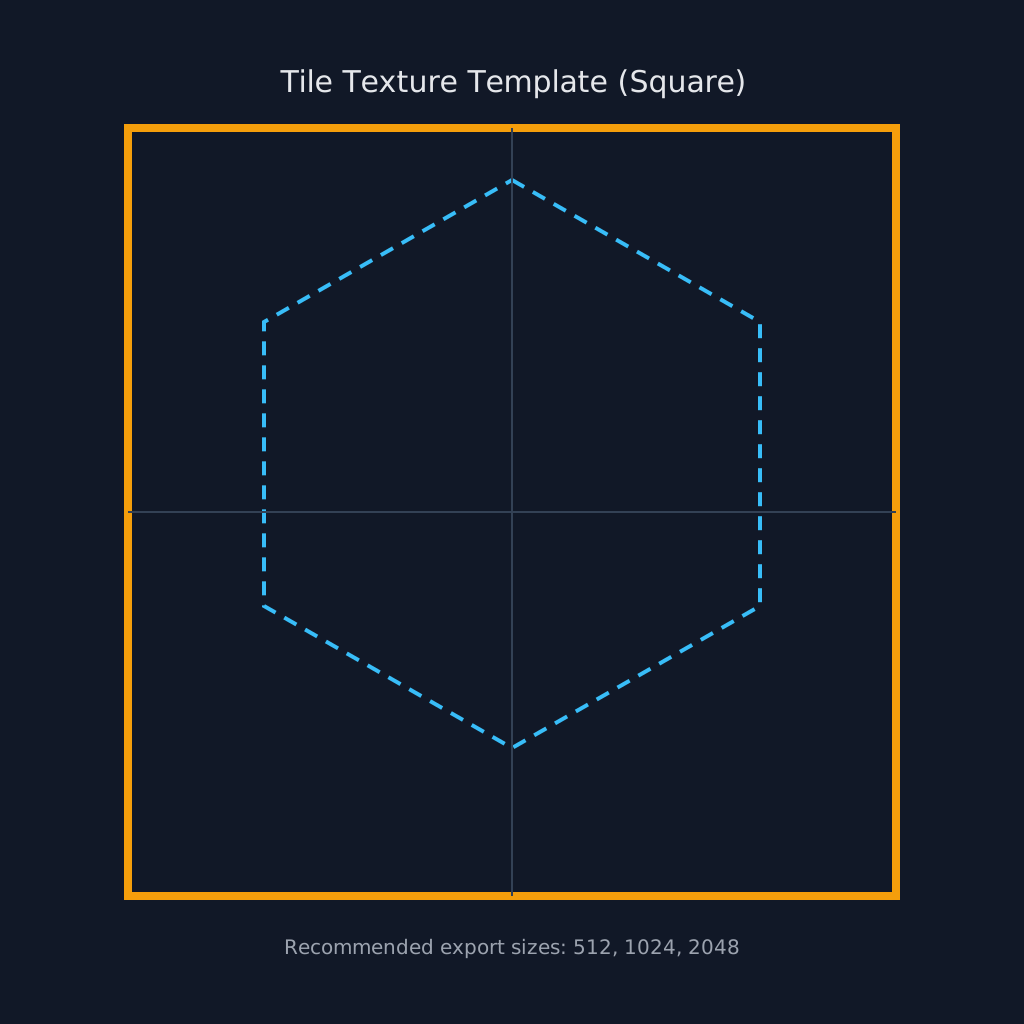
Templates: overlay safe zone, tile square. Authoring spec